
Articles tagged #total.js
55 articlesPage 1 of 4
Articles
Monthly reports
October report 2026
A quick overview of all changes and news from the entire Total.js Platform. Read more about our work.
Node.js Security Vulnerabilities
Recent Node.js security updates have addressed serious vulnerabilities, including an issue in Brotli decompression. The news is particularly interesting because AI-assisted security research helped uncover a flaw in technology used by applications around the world.
September report 2026
A quick overview of all changes and news from the entire Total.js Platform. Read more about our work.
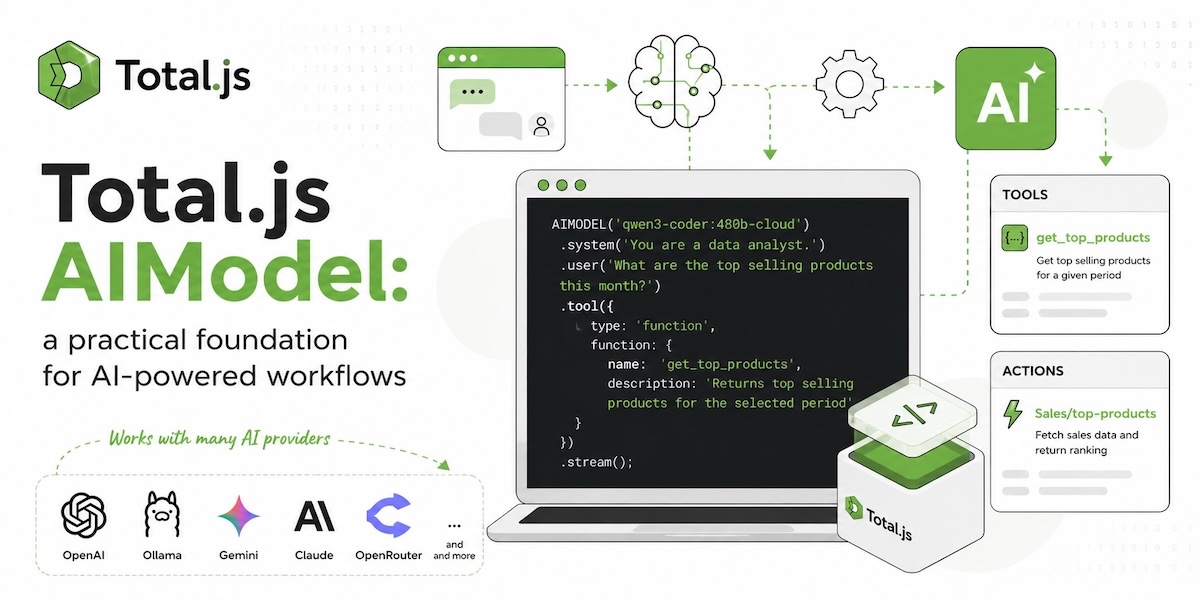
Total.js AIModel: a practical foundation for AI-powered workflows
How Total.js helps developers integrate AI models into real applications with routing, actions, streaming, tools, validation, and business logic in one coherent stack.
New universal drivers for IoT Platform
Meet the new universal drivers for the Total.js IoT Platform — built for flexibility and easy customization. From electrometers to switches, these ready-to-use drivers simplify IoT data processing and integration.
IoT Platform Update: New Features and Enhancements
The updated Total.js IoT Platform lets you create reports and publish devices, zones, or sensors as API endpoints, with a cleaner design and enhanced data access.
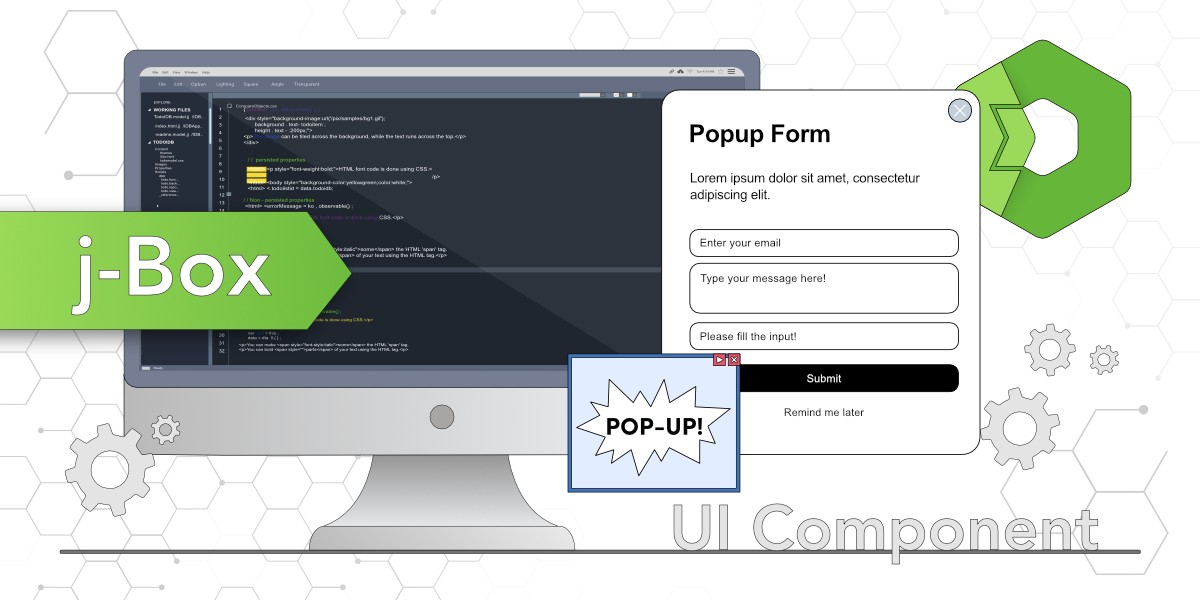
j-Box - Total.js UI component
The j-Box component from the Total.js jComponent UI library is a versatile tool for creating customizable pop-up windows, such as forms or galleries. This blog demonstrates its setup, attributes, and integration with other components, using examples to show how to build pop-up forms with menus, content, and buttons.
j-DataGrid - Total.js UI component part 2
This blog focuses on the advanced features of the j-DataGrid component from the jComponent library, such as handling row click events, using checkboxes for selecting multiple rows, and adding control buttons for individual rows. It includes practical examples and usage demonstrations.

j-Directory - jComponent
j-Directory will present options from your data source to the user and you can easily handle selected option or multiple options depending on your requirements. It can use custom templates, dark mote, supports integration with other components and supports LAZY for better performance.
j-Input UI component part 2
Short information about UI component j-Input with link to a video on YouTube.
Total.js UI #4: Data Binding (Part 2 – Practical Example)
In this post, we will focus on implementing data binding in a real-world scenario using the <ui-bind> element and some of the key attributes and commands we discussed previously.
Total.js UI :Two Beginner Projects to understand Paths and Data Binding
This tutorial aims to guide you through two small projects to help you understand and master the concepts of paths and ui-bind in Total.js UI
j-Input UI component part 1
Short information about UI component j-Input with link to a video on YouTube.
j-Exec UI component
Short information about UI component j-Exec with link to a video on YouTube.