Articles tagged #iot
13 articles
Articles
Monthly reports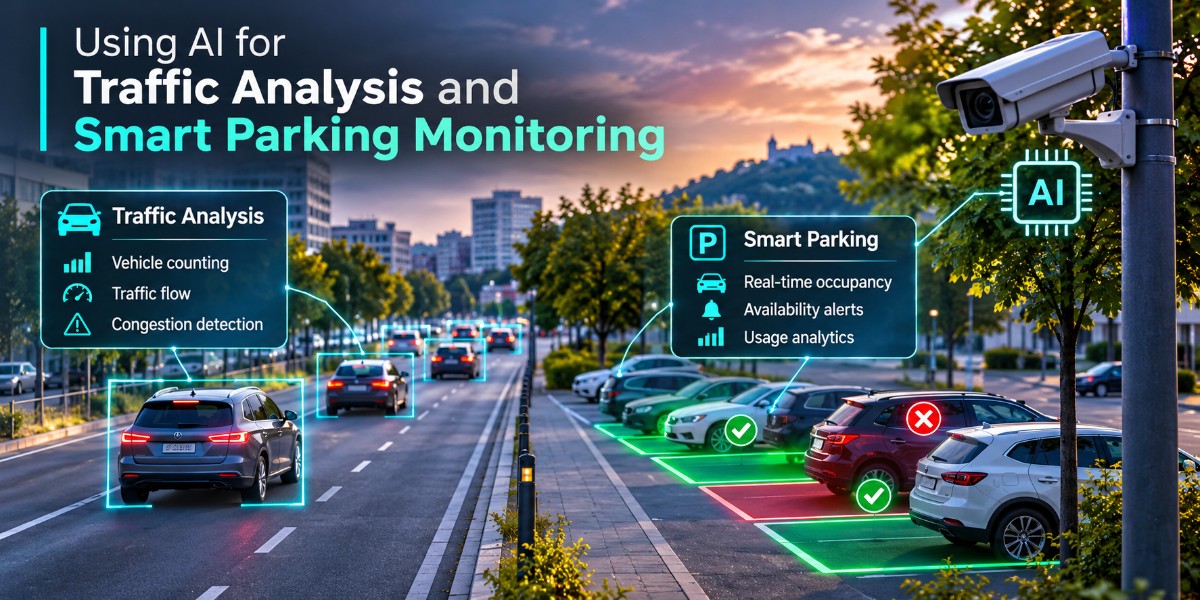
Using AI for Traffic Analysis and Smart Parking Monitoring
Discover how AI, NVIDIA Jetson AGX, and Total.js IoT transform camera data into traffic insights and automated parking occupancy monitoring.
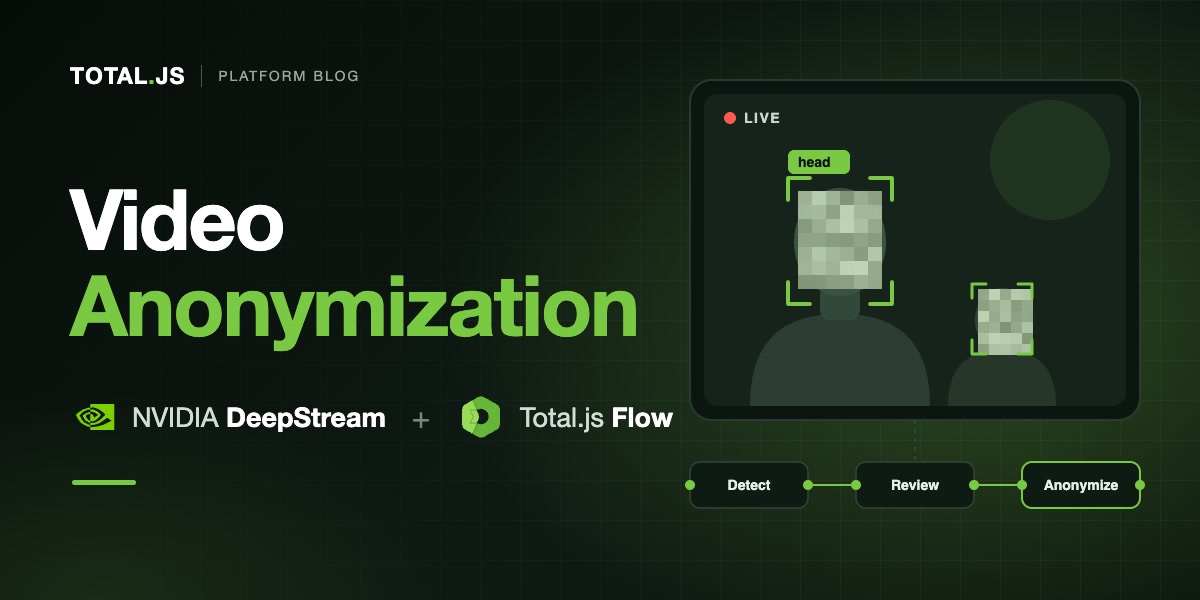
Total.js Platform and NVIDIA DeepStream: Automated AI Video Anonymization
Discover how we combined Total.js Platform, Total.js Flow, and NVIDIA DeepStream to build a scalable, GPU-accelerated video anonymization system for a major enterprise customer. Explore how we process large volumes of video recordings, automate workflows across multiple locations, and manage AI-powered anonymization through a centralized interface.
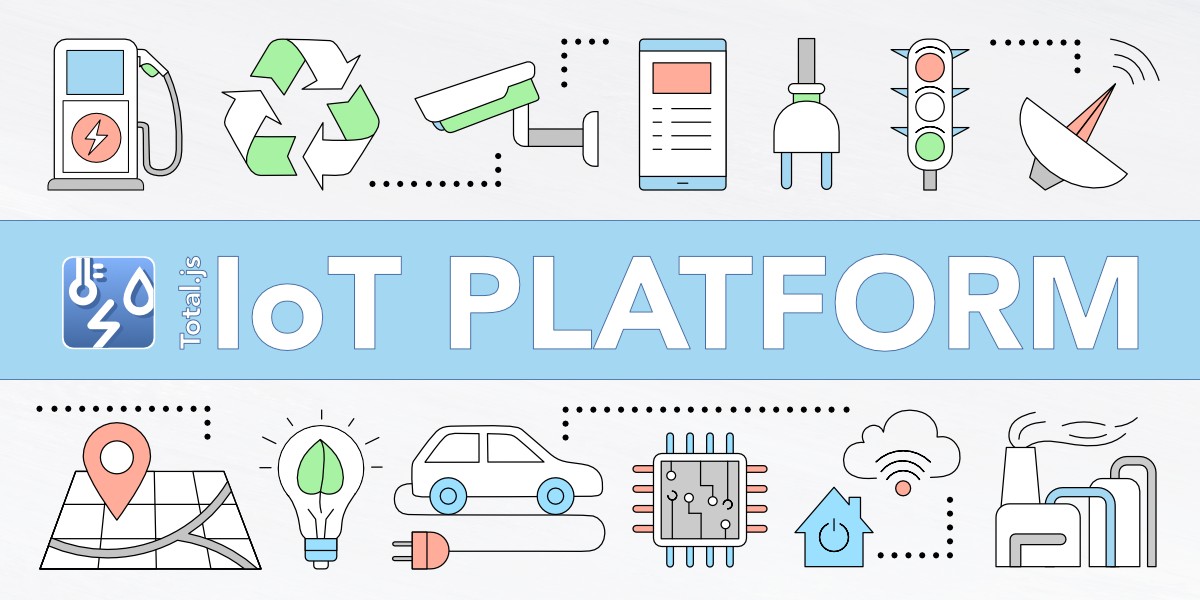
New universal drivers for IoT Platform
Meet the new universal drivers for the Total.js IoT Platform — built for flexibility and easy customization. From electrometers to switches, these ready-to-use drivers simplify IoT data processing and integration.
IoT Platform Update: New Features and Enhancements
The updated Total.js IoT Platform lets you create reports and publish devices, zones, or sensors as API endpoints, with a cleaner design and enhanced data access.
IoT platform — Total.js
The final blog in the IoT Platform series demonstrates how to fully utilize the platform by working with drivers, devices, sensors, data ingestion, visualizations, and integrations. It also explores advanced features such as dataviews, zones, maps, reports, alerts, simulations, and panels to showcase the platform’s complete capabilities.
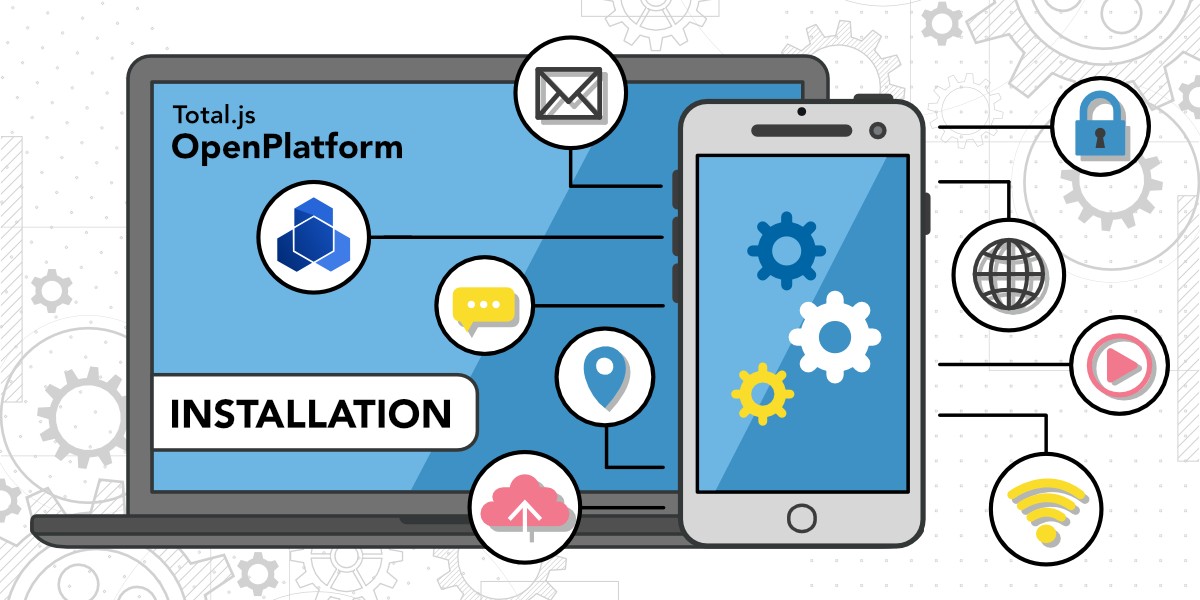
How to install OpenPlatform — IoT platform
This blog explains how to install and configure OpenPlatform as the final step in setting up the Total.js IoT platform, allowing you to integrate IoT Platform, OpenReports, and Flow into one unified system. With OpenPlatform, you can manage users, permissions, and apps seamlessly, making your IoT data handling more efficient and secure.
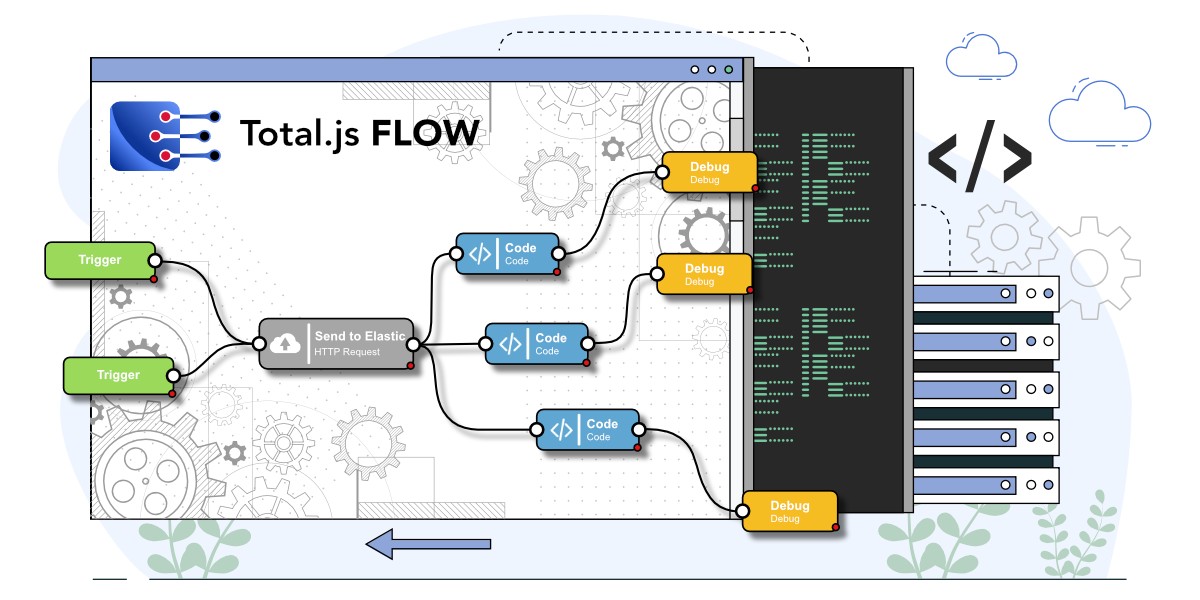
How to install Flow — IoT platform
This blog shows you how to install and set up the Flow application as part of the Total.js IoT platform, enabling real-time data processing, alerts, and automation through a low-code visual interface. By the end, you’ll have IoT platform, Stream, OpenReports, and Flow all running together with a basic architecture ready for further use.
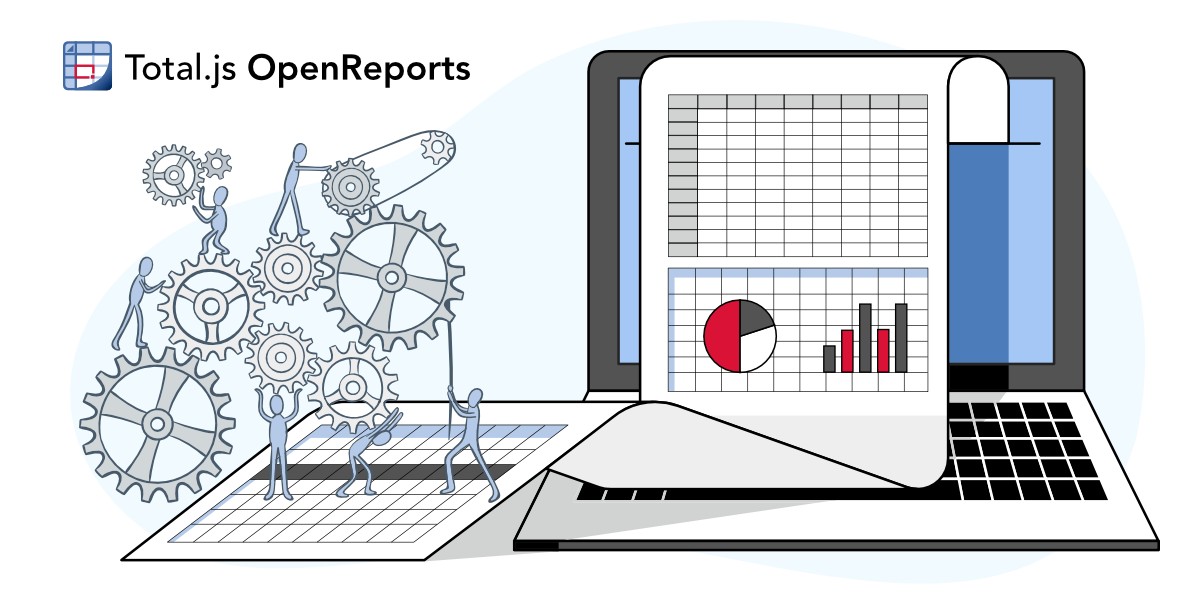
How to install OpenReports — IoT platform
This blog continues the IoT platform installation series by guiding you through installing and setting up OpenReports, a flexible reporting tool from Total.js. You’ll learn how to connect it to your database, create views, and generate reports, enabling you to analyze and manage your IoT data more effectively.
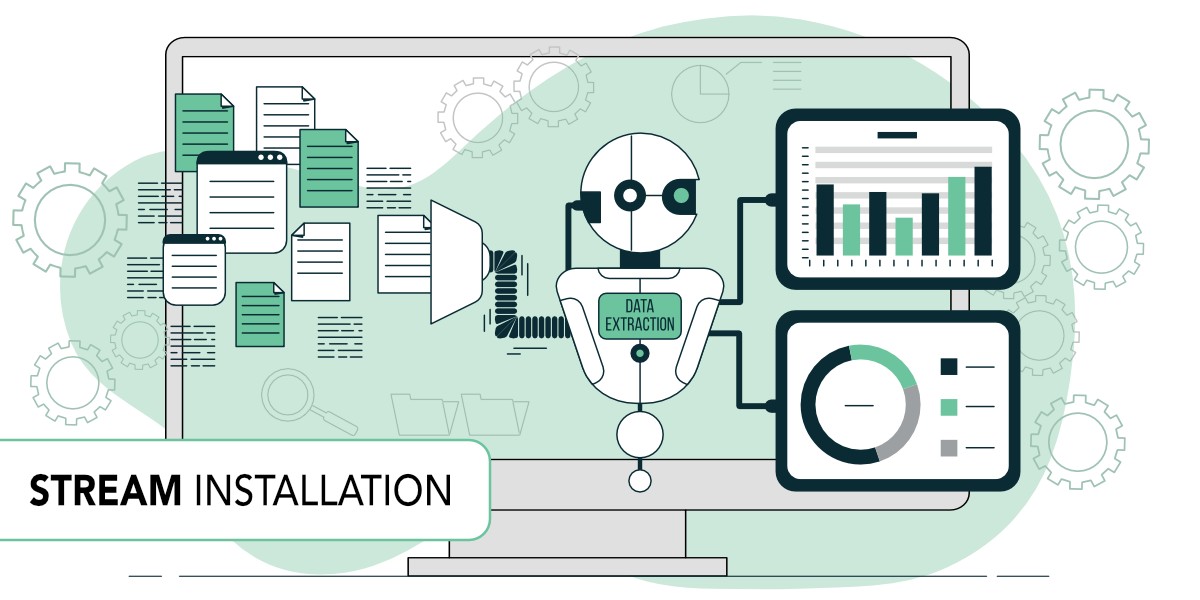
How to install stream to IoT platform — Total.js
This blog continues the IoT platform setup by explaining how to install and run the Stream application, which collects incoming data from sensors. You’ll learn how to create a driver and device, secure the data with a token, and send real-time values to your platform using a simple API request.
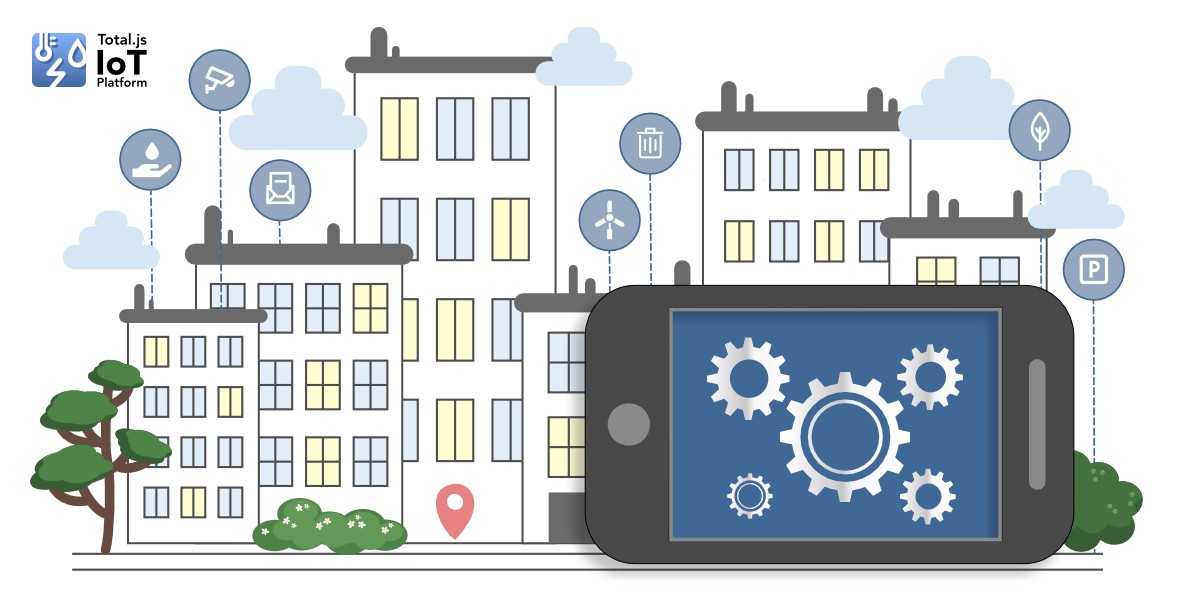
How to install IoT platform — Total.js
This blog shows how to install the Total.js IoT platform step by step, including setting up the database, downloading the code, and running the application. It’s the first part of a series that explains how to build the full platform by adding components like Stream, OpenReports, Flow, and OpenPlatform.
Improved FlowStream components
We have improved and simplified the declaration for FlowStream components. Read more about new improvements.
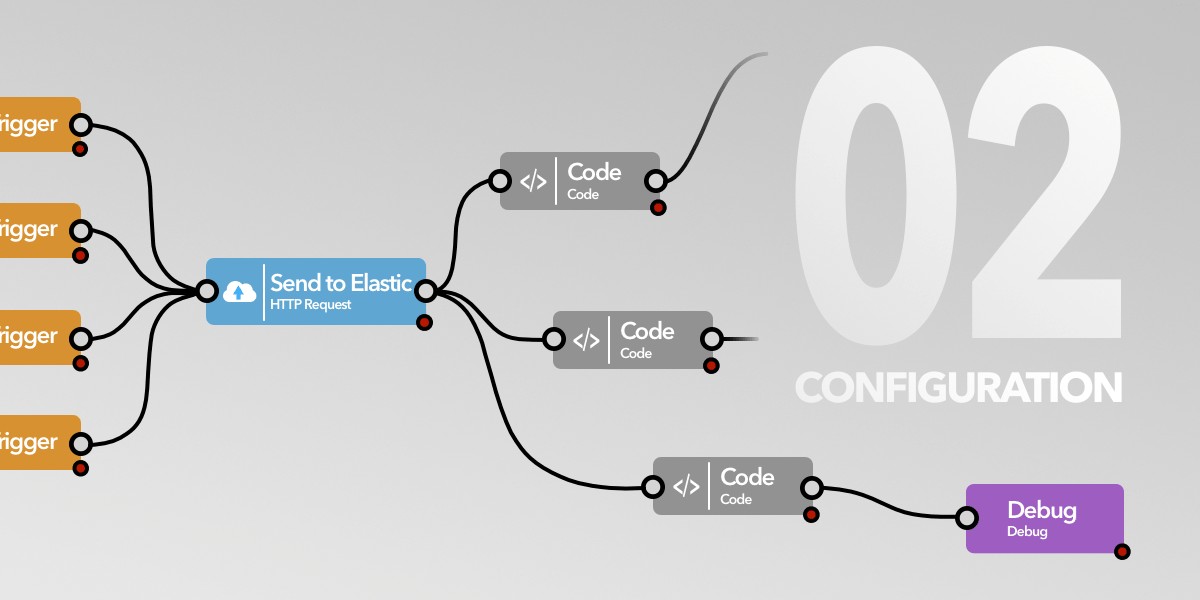
Configure your first Total.js Flow
This article helps you start with templates in Total.js Flow designer.
How to install Total.js Flow?
Do you need help with installation of Total.js Flow? Here is step by step guide to successful installation of Total.js Flow.