
Tutorials
137 articlesPage 3 of 10
Articles
Monthly reports
Total.js v5: Defining Routes for Internal Errors
In this post, we will explore how to set up routes for handling internal errors using HTTP status codes, along with some best practices.
Total.js V5: Dynamic websocket routing
Dynamic WS routing works similarly to dynamic HTTP routing, where certain parts of the URL are treated as variables.
Total.js V5: Websocket Routing
In this post, we’re stepping into the universe of real-time communications with WebSocket routing.
Total.js v5: Understanding standard routing
In today’s post, we’ll dive into one of the most critical concepts in web development—routing.

Beginner Guide to Total.js UI #3: Data Binding (Part 1)
In this post, we’ll break down what data binding is, introduce you to the <ui-bind> HTML element, and explore how it serves as the bridge between your data and the UI. We’ll also cover the essential attributes and binding commands you’ll need to master this concept.
Total.js UI: Coding the Tic-Tac-Toe Game
Learn how to master Total.js UI by creating engaging projects such as a Tic-Tac-Toe game. This tutorial emphasizes the practical use of `paths` and `<ui-bind>` to dynamically handle game state and user interactions, offering a hands-on approach to building dynamic web applications.
Total.js UI :Two Beginner Projects to understand Paths and Data Binding
This tutorial aims to guide you through two small projects to help you understand and master the concepts of paths and ui-bind in Total.js UI
A simple authentication mechanism in Total.js
Learning Total.js and implementing a simple authentication mechanism in a web application.

Beginner Guide to Total.js UI: #02 Understanding Paths
In Total.js UI, paths are representational addresses to data or functions/actions. They allow you to access, manipulate, and observe data within your application. Paths are essential for creating dynamic and interactive user interfaces, making them a foundational concept in Total.js UI.
Beginner Guide to Total.js UI: #01 Installation and Setup
In this initial post, we will focus on the prerequisites and the installation process of Total.js UI. By the end of this guide, you will have a working environment ready to explore and develop with Total.js UI.
j-Input UI component part 1
Short information about UI component j-Input with link to a video on YouTube.
j-Exec UI component
Short information about UI component j-Exec with link to a video on YouTube.
Introduction to jComponent
Short information about jComponent with link to a video on YouTube.
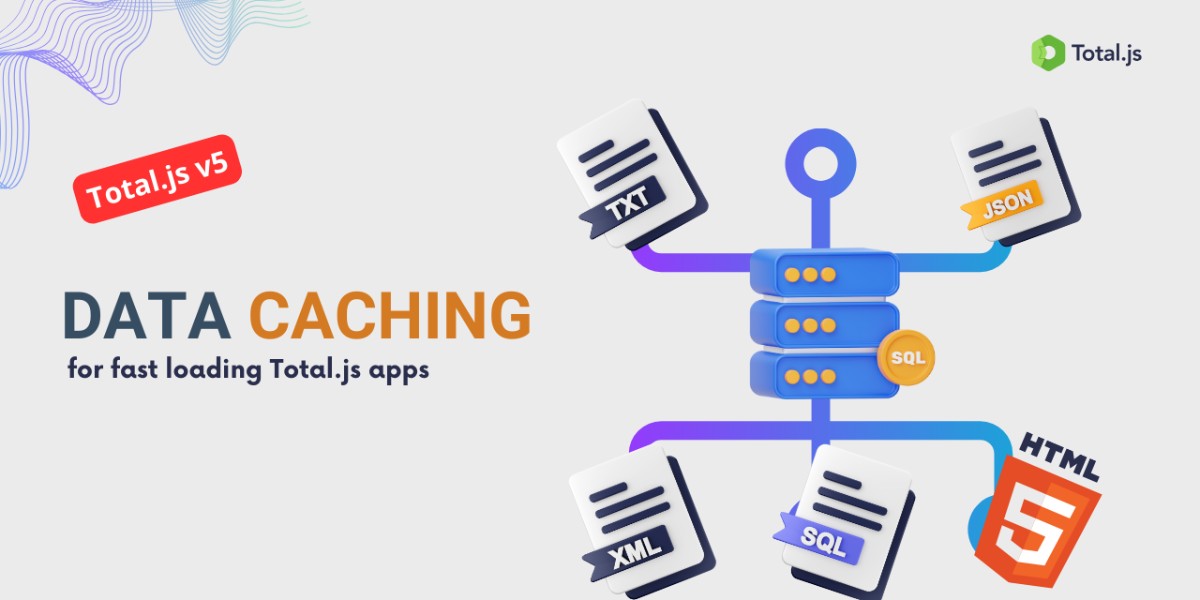
Data Caching for fast loading Total.js Apps
Unlock the potential of Total.js with FILECACHE, a powerful file caching mechanism designed to optimize data performance. This feature-rich tool seamlessly integrates into Total.js applications, offering efficient data caching capabilities that enhance speed and efficiency. Discover how FILECACHE simplifies data management, accelerates application performance, and boosts overall productivity, making it an indispensable asset for Total.js developers.