
How to create custom authorization mechanism?
This blog post describes how to create custom authorization mechanism fast and easily. Just create one definition file.

After reading you won't need any authorization module for your web applications, just learn from this blog post and you will have everything under control.
Definition of authorization
Create a definition file e.g. /definitions/auth.js:
// This object will contain all online users (their sessions)
const ONLINE = {};
// Cookie name
const COOKIE = '__user';
// A secret for encryption
const SECRET = 'js.latoT';
// Session expiration
const EXPIRE = '20 minutes';
// Total.js authorize delegate is executed on each request with except for a request to a static file
F.onAuthorize = function(req, res, flags, callback) {
var cookie = req.cookie(COOKIE);
// Check the cookie length
if (!cookie || cookie.length < 20)
return callback(false);
// Decrypt the cookie value
cookie = F.decrypt(cookie, SECRET);
if (!cookie)
return callback(false);
// Look into the session object whether the user is logged in
var session = ONLINE[cookie.id];
if (session) {
// User is online, so we increase his expiration of session
session.ticks = F.datetime;
return callback(true, session);
}
// Session doesn't exist here, so we try to sign-in user because we have his ID
var sql = DB();
sql.select('user', 'tbl_user').make(function(filter) {
filter.where('id', cookie.id);
filter.where('blocked', false);
filter.where('confirmed', true);
filter.where('removed', false);
filter.first();
// User session will contain these properties:
filter.fields('id', 'name', 'photo');
});
sql.exec(function(err, response) {
// Check whether the user exists in DB
if (err || !response.user) {
// If not, then remove the cookie
res.cookie(COOKIE, '', '-1 day');
return callback(false);
}
var user = response.user;
// We have the user so we can set the current timestamp (for his expiration)
user.ticks = F.datetime;
// Create a session
ONLINE[user.id] = user;
// Authorize the user
callback(true, user);
});
};
// A simple service cleaner for expired sessions
F.on('service', function(counter) {
// Clean session each 5 minutes
if (counter % 5 !== 0)
return;
var sessions = Object.keys(ONLINE);
// Set 'ticks' to -20 minutes from now
var ticks = F.datetime.add('-' + EXPIRE);
for (var i = 0, length = sessions.length; i < length; i++) {
var session = ONLINE[sessions[i]];
// Sessions will be removed when are older than "-20 minutes"
if (session.ticks < ticks)
delete ONLINE[sessions[i]];
}
});
// A simple login method for creating an auth cookie
F.userlogin = function(controller, id) {
var user = {};
user.id = id;
user.ticks = F.datetime.getTime();
// We can add another security elements e.g.: User-Agent, IP address, etc.
// user.ip = controller.ip;
controller.cookie(COOKIE, F.encrypt(user, SECRET), '7 days');
return F;
};
// The method removes auth cookie
F.userlogoff = function(controller) {
controller.cookie(COOKIE, '', '-1 day');
return F;
};How to use it in a controller?
exports.install = function() {
// Unauthorized
F.route('/login/', login, ['unauthorize', 'post']);
// Authorized
F.route('/logoff/', logoff, ['authorize']);
F.route('/account/', account, ['authorize']);
};
function login() {
var self = this;
// Only what we need is a user ID
// We have to obtain it from e.g. database
var iduser = 1;
// The method below creates an authorization cookie
F.userlogin(self, iduser);
// Redirect user to his account
self.redirect('/account/');
}
function logoff() {
var self = this;
// The method below removes an authorization cookie
F.userlogoff(self);
// Redirect a user to a login page
self.redirect('/login/');
}
// How to get the user session? It's easy:
function account() {
var self = this;
console.log(self.user);
// or view e.g. @{user.name}
self.view('account');
}How to increase security?
- you can use Total.js JsonWebToken (JWT) module which can replace an internal Total.js crypto algorithm
- encrypted object in cookie can contain more security elements
Documentation
F.onAuthorizedelegate documentationF.on('service')eventF.encrypt()method documentationF.decrypt()method documentationF.datetimeproperty documentationcontroller.cookie()method documentationcontroller.userproperty documentation- module
SQL Agentdocumentation

Keep reading

Using AI for Traffic Analysis and Smart Parking Monitoring
Discover how AI, NVIDIA Jetson AGX, and Total.js IoT transform camera data into traffic insights and automated parking occupancy monitoring.
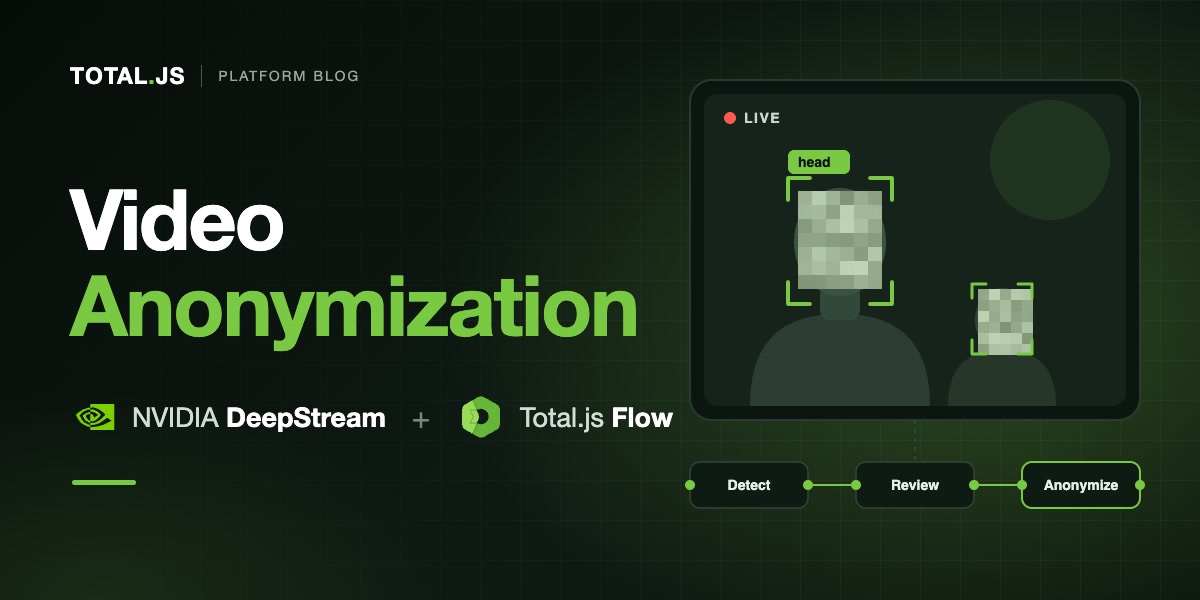
Total.js Platform and NVIDIA DeepStream: Automated AI Video Anonymization
Discover how we combined Total.js Platform, Total.js Flow, and NVIDIA DeepStream to build a scalable, GPU-accelerated video anonymization system for a major enterprise customer. Explore how we process large volumes of video recordings, automate workflows across multiple locations, and manage AI-powered anonymization through a centralized interface.
October report 2026
A quick overview of all changes and news from the entire Total.js Platform. Read more about our work.

Node.js Security Vulnerabilities
Recent Node.js security updates have addressed serious vulnerabilities, including an issue in Brotli decompression. The news is particularly interesting because AI-assisted security research helped uncover a flaw in technology used by applications around the world.
September report 2026
A quick overview of all changes and news from the entire Total.js Platform. Read more about our work.
August report 2026
A quick overview of all changes and news from the entire Total.js Platform. Read more about our work.
How to write better Total.js Applications using AI?
Learn how to make AI coding agents write better, more native Total.js applications!
July report 2026
A quick overview of all changes and news from the entire Total.js Platform. Read more about our work.
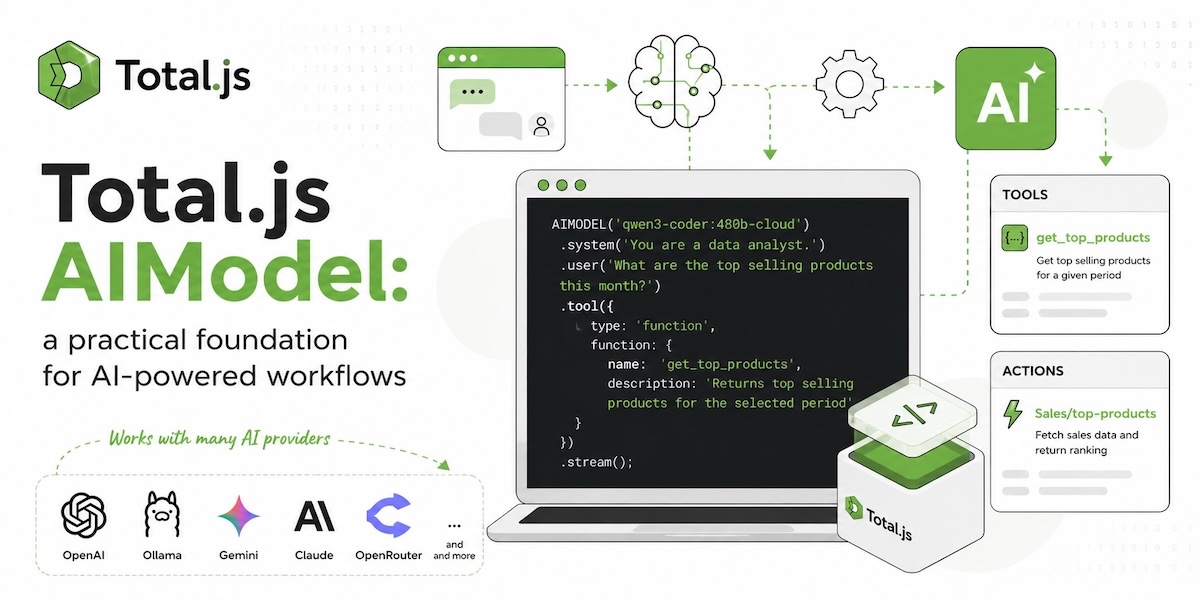
Total.js AIModel: a practical foundation for AI-powered workflows
How Total.js helps developers integrate AI models into real applications with routing, actions, streaming, tools, validation, and business logic in one coherent stack.
June report 2026
A quick overview of all changes and news from the entire Total.js Platform. Read more about our work.