
Tutorials
137 articlesPage 7 of 10
Articles
Monthly reports
Tutorial series - #1 Introduction
First part from upcoming tutorial series for Total.js. Series will be focused on absolute basics of framework where you will learn best practices and common approaches of different situations and problems. In this part we will setup our Total.js app.

Async / Await with DBMS module in Total.js
I have modified the DBMS module by adding a great new feature for better using Async / Await operators between the DBMS module and Total.js framework. Read more.

Node.js / Total.js Cloud Development in two minutes
This tutorial will show you how easy it is to start with Total.js Cloud Development. Start to develop today.

November report 2020
A quick summarization of all changes and news from the entire Total.js Platform. Read more about our work.
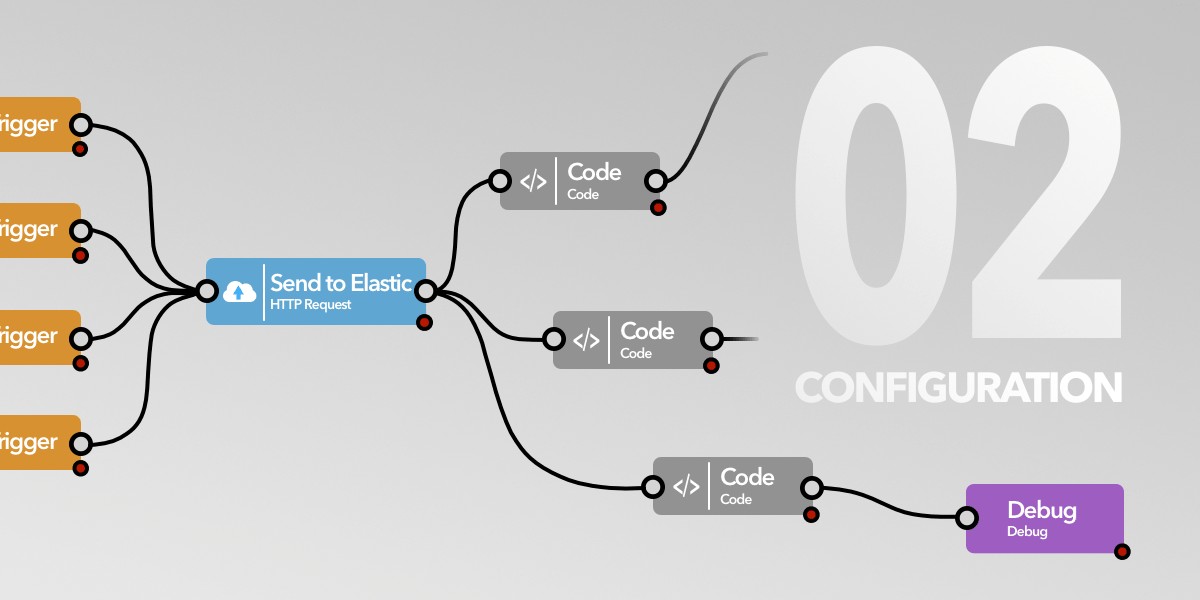
Configure your first Total.js Flow
This article helps you start with templates in Total.js Flow designer.
How to install Total.js Flow?
Do you need help with installation of Total.js Flow? Here is step by step guide to successful installation of Total.js Flow.

Remote terminal with Total.js + Node PTY + xTerm
A simple tutorial how to create a remove terminal with help of Total.js Platform and modules Node PTY + xTerm.

Flow: How to find a specific component?
This tutorial shows you a quick way how to find a specific component in the Flow designer.

REST Azure DocumentDB in Node.js / Total.js
A simple REST implementation of Azure DocumentDB in Node.js / Total.js with no dependencies.

How do I transform ErrorBuilder output?
This blog post describes how to transform an output from ErrorBuilder instance.

How to perform bulk operations with help of SQL Agent?
This blog post describes how to perform insert/update bulk operations with help of SQL Agent.

How to create a RAR archive in Total.js?
This blog post describes how to create RAR archive in Total.js applications

Did you know about console.package?
This tutorial describes a funcionallity of Total.js console package. Did you hear about it?

Customize SUCCESS method
This blog post describes how to customize SUCCESS() method to fit your needs.